


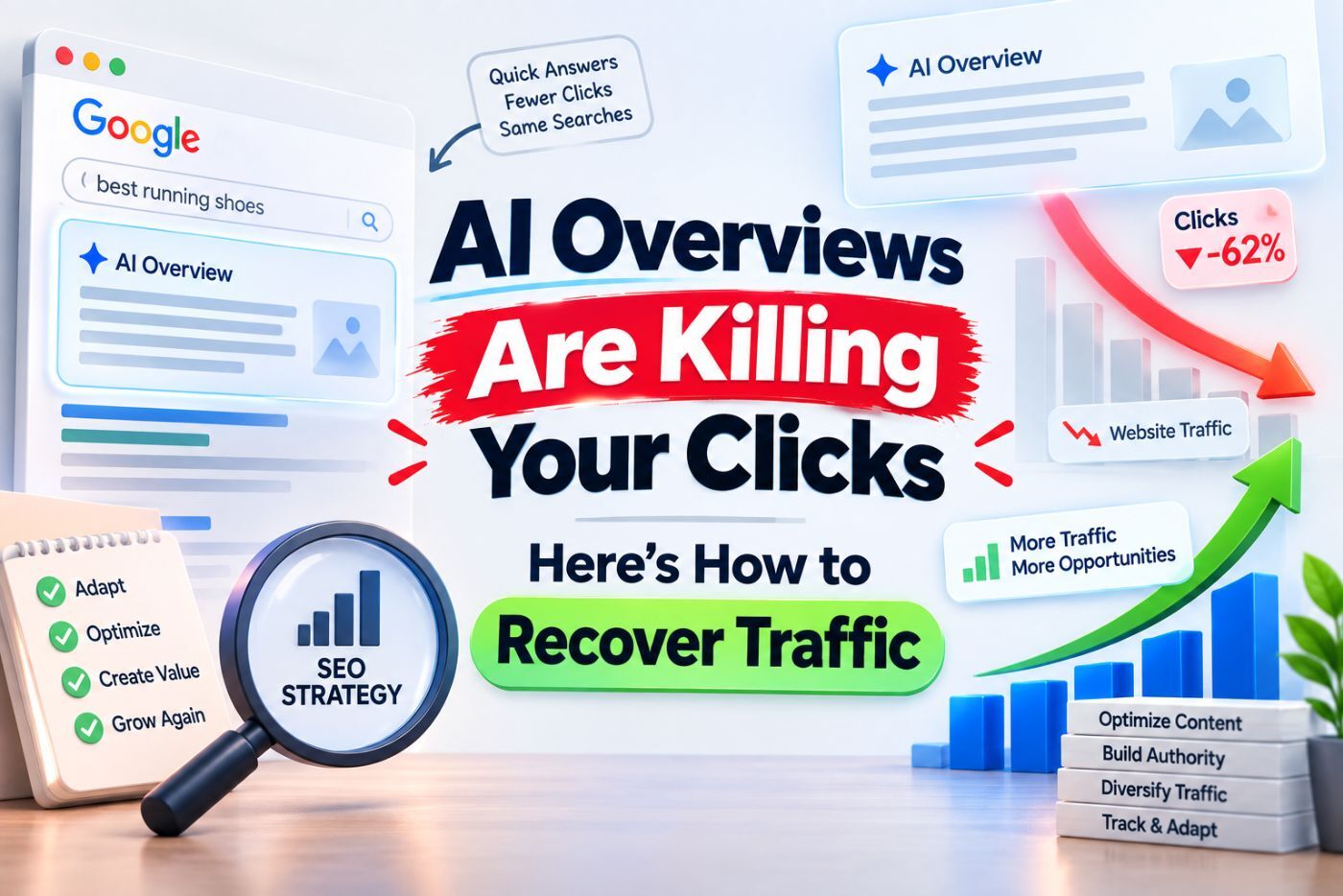
So you checked Search Console last week and your impressions look… fine? Maybe even up a bit. But clicks? Down. Way down. If that’s you right now, take a breath – you’re not losing your mind, and you’re definitely not alone. This is happening to thousands of sites, and it has a name: AI Overviews traffic loss.
Let’s talk about what’s actually going on, why it’s hitting even well-optimized pages, and more importantly , what you can do about it. No fluff, no “just create quality content” nonsense. This blog will deal with the Real tactics.
Wait, What Even Is an AI Overview?
Quick recap in case you’ve been heads-down in your CMS and missed the memo. Google’s AI Overviews (the thing that replaced the old “SGE” experiment) sits right at the top of search results. It reads several different sources, gathers an answer to the question, and presents it to the user before he/she even gets to your well-written blog post.
It’s not the fact that the feature exists. The problem is what it does to click behavior. A user asks “how to fix a leaky faucet” or “best CRM for small teams,” gets a tidy paragraph answer right there, and… doesn’t click anything. Why would they? Google already answered the question for them.
That’s the mechanism in a nutshell, the answer moved up, and your listing moved down, buried under a wall of synthesized text.
The Numbers Are Not Pretty
I won’t drown you in stats, but a few are worth knowing so you understand the scale of this. Multiple independent studies (Ahrefs, SEO Ranking, and a few others doing click-through-rate research this year) have found that pages ranking in position one can see their click-through rate drop by 30-40% when an AI Overview appears above them for that query. For informational queries the “what is,” “how to,” “why does” type searches the hit is even bigger.
A lot of agencies are quietly running the same experiment right now: pull twelve months of Search Console data, split it into pre-AI-Overview and post-AI-Overview periods, then eyeball the click curve. Almost every time, the line bends downward right around when AI Overviews rolled out wider for that vertical. It’s not subtle once you actually look for it.
Here’s the part that stings: it’s not just low-quality content getting hit. Sites with strong domain authority, solid backlinks, genuinely useful articles — they’re seeing the same pattern. Because AI Overviews don’t really care how good your content is once they’ve already extracted the answer from it.
Why Your AI Overview CTR Is Tanking Even When You Rank #1
This can lead to some confusion, so here are a few guidelines to help sort it out. In the past, the number of clicks received was just determined by rank #1. Not anymore, necessarily.
When an AI Overview shows up (and it doesn’t show up for every query, just a growing chunk of them), it pushes traditional results down the page — sometimes below the fold entirely on mobile. Your position-one ranking becomes, functionally, more like position four or five in terms of visibility.
And the citation links inside the AI Overview itself? They get a fraction of the clicks a normal blue link would. Users skim the AI summary, maybe glance at the little source icons, and move on with their day. A dropping AI Overview CTR isn’t a sign your content got worse. It’s a sign the whole page layout changed underneath you.
I’ve seen this firsthand managing content for a few different clients this year, one B2B site kept its rankings rock solid, didn’t lose a single position, and traffic still dropped almost 25% quarter over quarter. Another client, a consumer disinfectant brand, watched a well-ranked FAQ page hold position two for months while its clicks quietly halved. Same ranking. Half the visitors. That gap is the whole story, really.
Okay, So How Do You Actually Recover Organic Traffic in 2026?
Here’s where I stop complaining and start being useful. There’s no single silver bullet — anyone promising one is selling something — but there are real, actionable moves that genuinely help you recover organic traffic 2026 style, meaning: adapted to how search actually works now, not how it worked in 2019.
1. Target Queries AI Overviews Don’t Bother With
Not every search triggers an AI Overview. Transactional queries (“buy running shoes size 10”), highly localized searches, and anything involving very recent events or prices tend to skip it. Comparison content, niche B2B terms, and long-tail questions with commercial intent are also safer ground right now.
Go through your top pages in Search Console, sort by impressions, and manually check which of your queries currently show an AI Overview. The ones that don’t? Double down there. Build more content around that cluster.
2. Write for the Click, Not Just the Answer
If Google’s already going to summarize the “what,” your job is to own the “how” and the “why should I trust this.” Lead with something the AI Overview literally cannot replicate, a case study, a specific number from your own testing, a tool recommendation with your actual reasoning behind it.
Bland, generic definitions get scraped and summarized easily. Opinionated, specific, experience-based content is harder to compress into three sentences, and it gives users a reason to click through even after reading the summary.
3. Reconsider your Meta Descriptions and Titles
This may seem minor but is more important now than it was 2 years ago. Your title and meta description are facing off against the AI-generated response for the click. Make them punchy. Ask a question the AI Overview didn’t fully answer. Promise something specific — “see the exact settings we used” beats “learn how to fix your faucet” every time.
4. Build Traffic Sources That Don’t Depend on Google At All
Honestly? This is the tip that matters most long-term. If your entire funnel lives or dies by organic search, you’re exposed.
Email newsletters and a truly active community (Slack, Discord, whatever the niche), YouTube, even LinkedIn posting, these are the kinds of traffic that are unaffected by whatever the Google homepage looks like during the next quarter.
Yes, yes, it’s easier said than done.. However, if you shift 15-20% of your content marketing efforts towards owned channels, you are in a completely different risk landscape.
5. Get Cited Inside the AI Overview Itself
If you can’t beat it, at least show up in it. Structured content, clear headers, direct answers near the top of the page, FAQ schema, well-labeled data , makes it easier for Google’s systems to pull your page as a source. Being cited inside an AI Overview won’t get you tons of clicks, but it keeps your brand visible and builds the kind of authority signal that helps elsewhere.
6. Track the Right Metrics Going Forward
Stop obsessing purely over rankings. A page can rank #1 and still lose traffic, like we talked about earlier. Instead, track impressions vs. clicks specifically for queries where AI Overviews appear, and separate that data from queries where they don’t.This allows you to measure actual AI Overviews traffic loss against the normal seasonal trend, without being misled by the fact that it’s just a seasonal trend, and helps you recover organic traffic 2026 patterns using data rather than guesswork.
7. Give It Time, But Set a Checkpoint
One thing nobody tells you: some of these fixes take 6-8 weeks to show up in your data, sometimes longer if your site doesn’t get crawled that often. If the graph hasn’t shifted in 10 days don’t panic and give up the tactic. Schedule a reminder for 6 weeks later, repeat the pull and compare with the baseline pull that you did prior to beginning.
If your goal is to recover organic traffic 2026-style — meaning sustainably, not through some quick hack that Google patches next month — patience is honestly part of the strategy, not a nice-to-have.
A Quick Reality Check
Look, I’m not going to sit here and tell you this is easy or that you’ll bounce back to your old traffic numbers within a month. For some query types, that old traffic simply isn’t coming back — the user got their answer and left, full stop. That’s just where search is heading.
But that doesn’t mean you’re powerless. The sites doing well right now aren’t the ones fighting AI Overviews head-on. They’re the ones adapting — shifting toward queries less affected by them, building content genuinely worth clicking through for, and diversifying where their traffic even comes from in the first place.
I’ll be honest, when I first noticed the traffic dip on a client’s blog earlier this year, my gut reaction was to blame the content team. Turns out the articles were fine, great, even. It was the search results page itself that had changed shape around them.
I was able to see this and the whole concept of recovery shifted from “write better stuff” to “write different stuff, in different places, for different reasons. This mental adjustment is more important than any one of these tactics here.
Wrapping Up
AI Overviews traffic loss is real and it’s not a myth, it is measurable, and denial is not the solution. But when you can determine why your AI Overview CTR has fallen even though your rank has remained intact, you can take steps to improve it rather than watching the graph fall and feeling helpless.
Start with your Search Console data this week. Find out which of your pages are getting hit hardest, figure out whether AI Overviews are even appearing for those queries, and pick two or three tactics from this list to test. You don’t need to fix everything at once — you need to start moving in the right direction, and honestly, that’s most of the battle right now.



 +971 582 871635
 +971 582 871635